Online communities for restaurant owners and managers
Online communities for restaurateurs worth checking out.
Read
A step by step guide to creating a QR Code Menu for your small restaurant, bar or cafe
QR Code stands for Quick Response Code. It is a type of barcode that is designed to be read quickly and easily. You may already be familiar with traditional barcodes, the ones made up of vertical lines that appear on most retail products.
Those barcodes store information that can be read by special scanners. For example, when an item is scanned at a checkout counter, the system recognises the product and displays its price and details.
QR Codes work in a similar way, but they are designed to hold more information and to be scanned using everyday devices, such as smartphones.
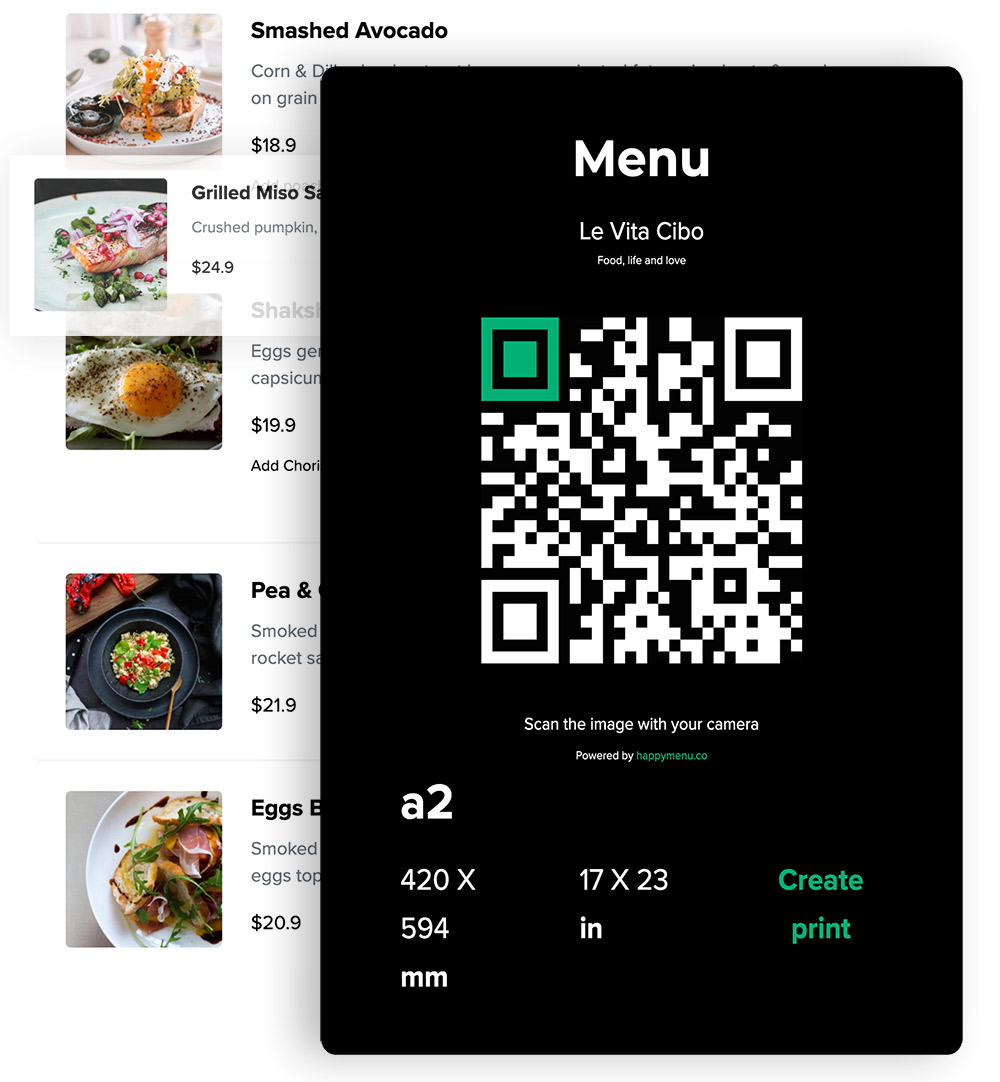
You can scan this QR Code with your phone to see how it works.
A QR Code (sometimes called a 2D barcode) is simply a more advanced version of a traditional barcode. There are a few key ways in which it is different.
Traditional barcodes are made up of straight black lines and white spaces. QR Codes use small squares, dots, and geometric patterns arranged in a grid. This design allows them to store more information in a smaller space.
Standard barcodes usually contain basic product data, such as an item number. QR Codes can store much more. They may include website links, written text, location details, and other digital information.
While traditional barcodes require dedicated scanning equipment, QR Codes can usually be scanned using the camera on a modern smartphone. This makes them easy and convenient for people to use in everyday situations.
A QR Code menu is a digital version of a restaurant’s menu that customers can access by scanning a QR code with their smartphone. In most venues, QR code menus are used alongside traditional paper menus rather than replacing them entirely.
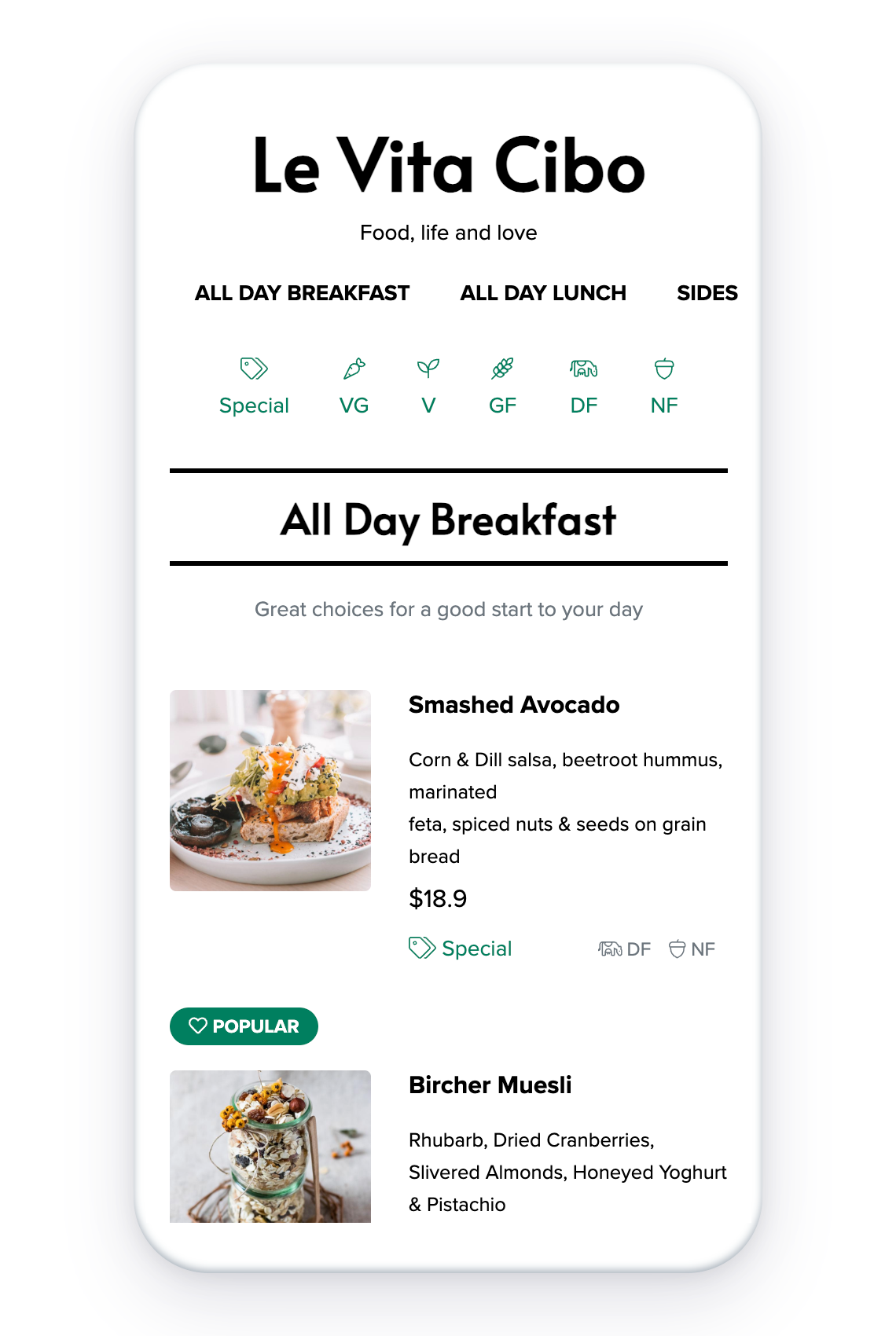
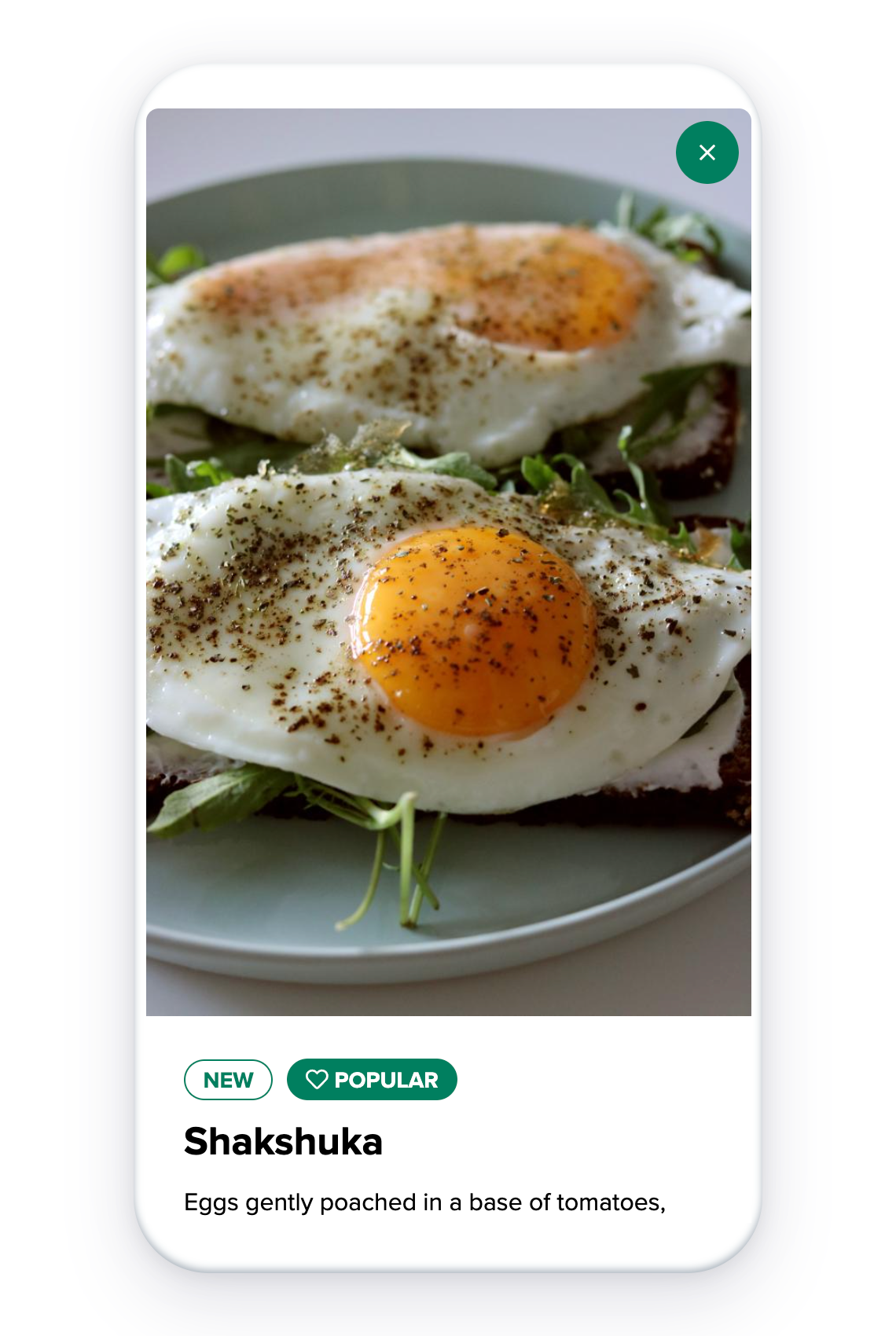
When scanned, the QR code opens a mobile-friendly webpage where customers can browse the full menu, view descriptions, see prices, and sometimes view photos or additional details.
QR code menus are especially useful for restaurants, bars, and cafés that:
Instead of constantly redesigning and reprinting paper menus, venues can update their digital menu instantly while keeping printed menus for customers who prefer them. This hybrid approach gives restaurants flexibility, reduces ongoing costs, and makes it easier to keep menus accurate.
QR Code menus can be created in different ways, and not all of them offer the same experience. In general, there are two main types: PDF-based QR Code menus and fully digital QR Code menus.
PDF QR Code menus open a static document when scanned. This document shows an image or layout of the printed menu. While this approach is simple, it comes with several practical limitations.
Digital QR Code menus display the menu as an interactive website. This format allows customers to browse items, view details, and move through the menu more easily.
With a PDF menu, updates require creating a new file and uploading it again. Even small changes, such as adjusting prices or adding an item, involve repeating this process.
Digital menus can be updated instantly. Changes appear as soon as they are saved, without needing to reprint or replace QR Codes.
PDF menus function like static images. Customers can view the content, but cannot interact with it.
Digital menus allow users to tap on items, open descriptions, and explore additional information when available.
Long PDF menus require continuous scrolling, which can be time-consuming, especially on smaller screens.
Digital menus include navigation tools that help customers move between categories and find specific items more quickly.
Many customers look for options such as vegetarian, vegan, or gluten-free items. Finding this information in a PDF can be difficult.
Digital menus can provide built-in filters that make it easier to view items that match dietary preferences.
PDF files are not designed to adjust automatically to different screen sizes. As a result, they may appear too small or difficult to read on mobile phones.
Digital menus are responsive, meaning they adapt to phones, tablets, and desktop screens for improved readability.
For many businesses, it is helpful for menus to appear in online search results. PDF files are usually harder for search engines to read and index.
Digital menus are easier for search engines to understand, which can help customers discover a restaurant’s menu more easily online.
Both options allow customers to scan a QR Code and view a menu on their phone. The table below outlines the main differences between PDF and digital QR Code menus.
| Feature | PDF QR Code Menu | Digital QR Code Menu |
|---|---|---|
| Display Type | Static PDF document | Interactive web page |
| Menu Updates | Requires re-uploading the PDF | Instant updates through dashboard |
| Navigation | Scrolling through pages | Category and section navigation |
| Item Details | Limited or none | Expandable descriptions and images |
| Dietary Filters | Not available | Built-in filtering options |
| Mobile Compatibility | Often difficult to read | Optimised for all screen sizes |
| Search Engine Visibility | Limited indexing | Search-friendly structure |
| Customer Experience | Basic viewing only | Smooth and interactive browsing |
| Sharing | Manual file sharing | Easy sharing via link |
| Long-Term Maintenance | Manual updates required | Centralised management |
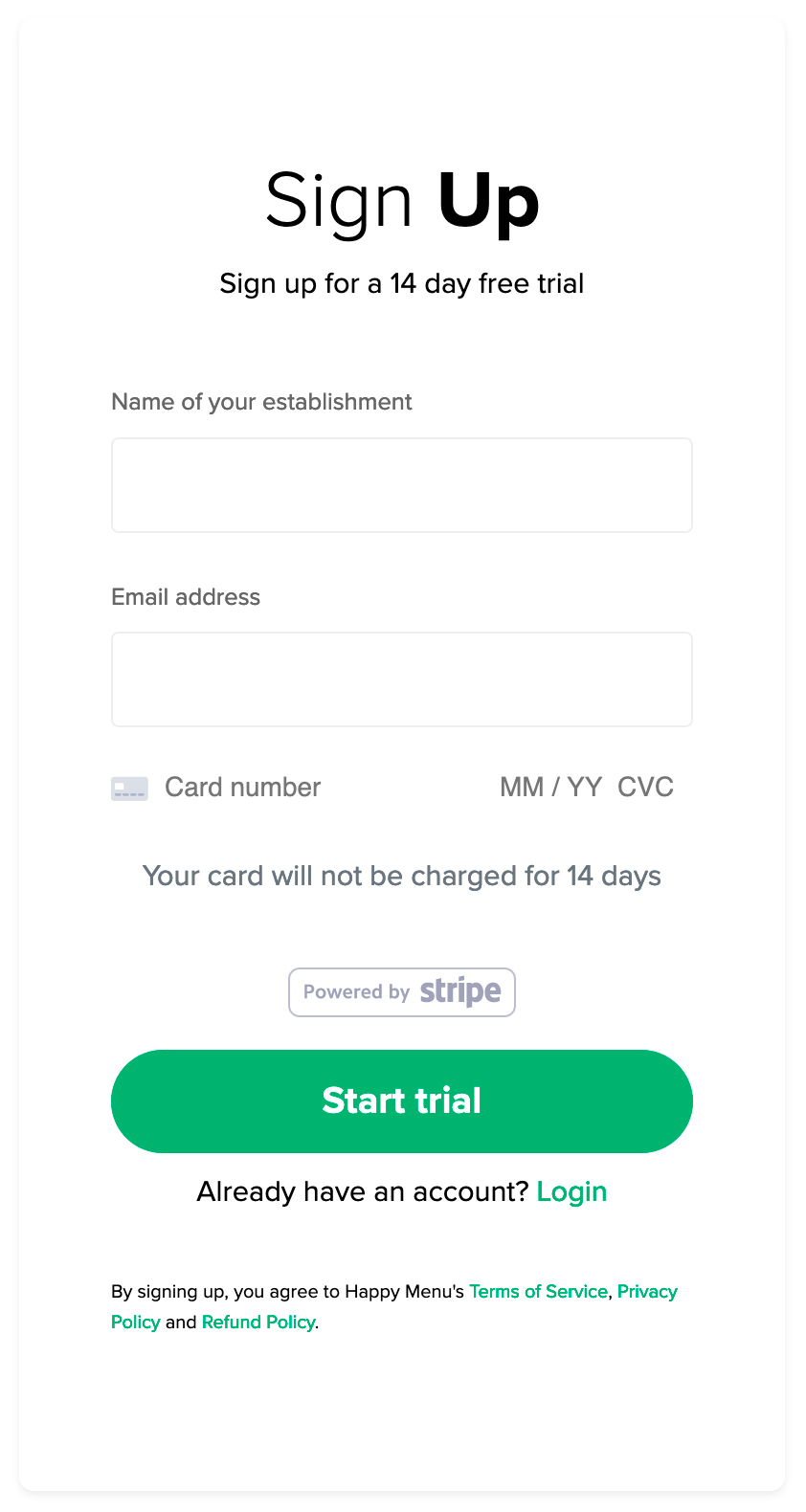
Sign up takes less than a minute. No applications and no hoops to jump through. You get 14 days free to try your contactless menu, and after that, it’s just $49 per month. Built for small businesses, Happy Menu is extremely cost-effective with no hidden fees or contracts. Start your free trial and have QR codes in your restaurant within 30 minutes.
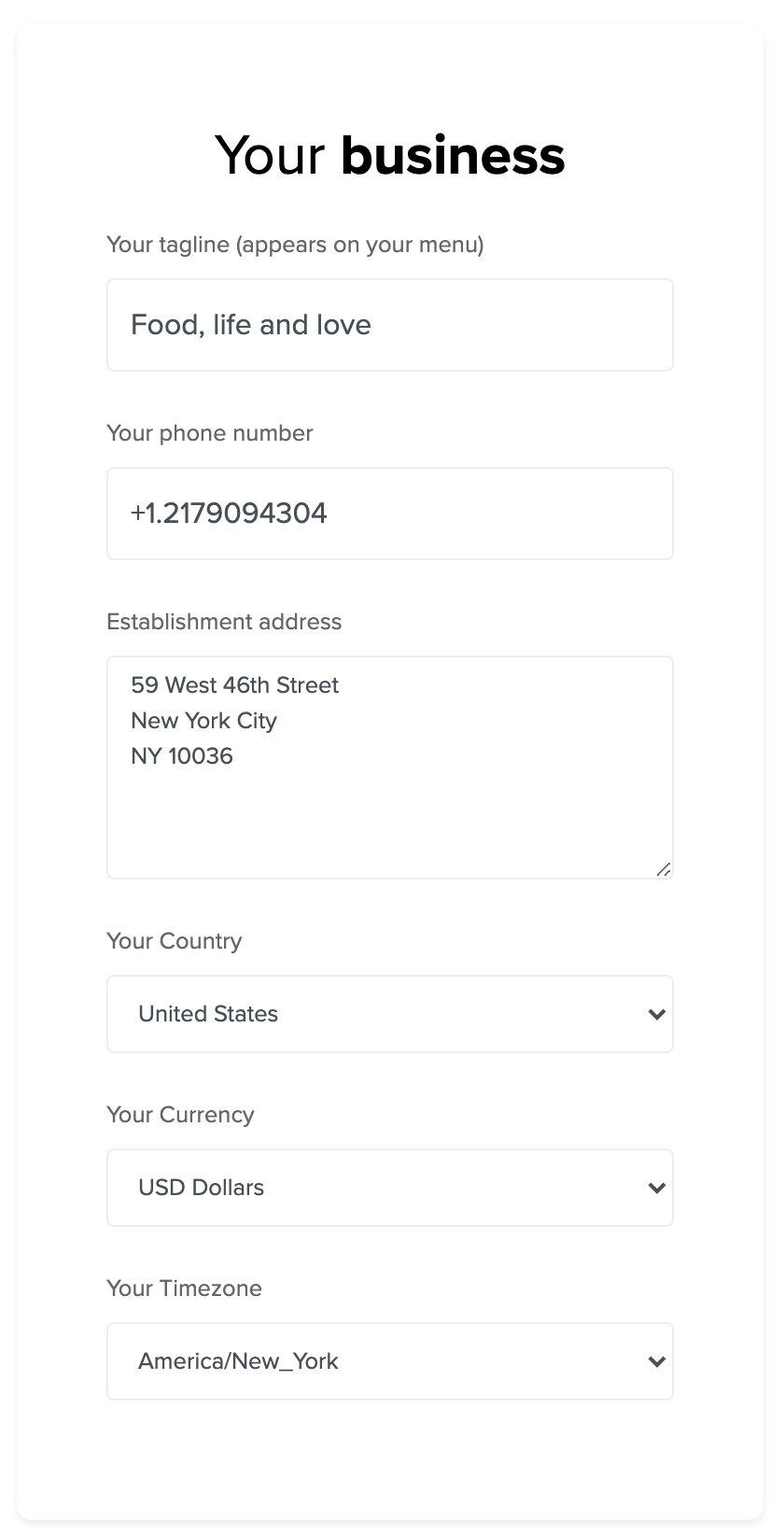
QR Code menu business settings
Visit your settings page to update your business details, including phone number, address, currency, and timezone. Customize your menu font, accent colors, social media links, and QR code design for printing.
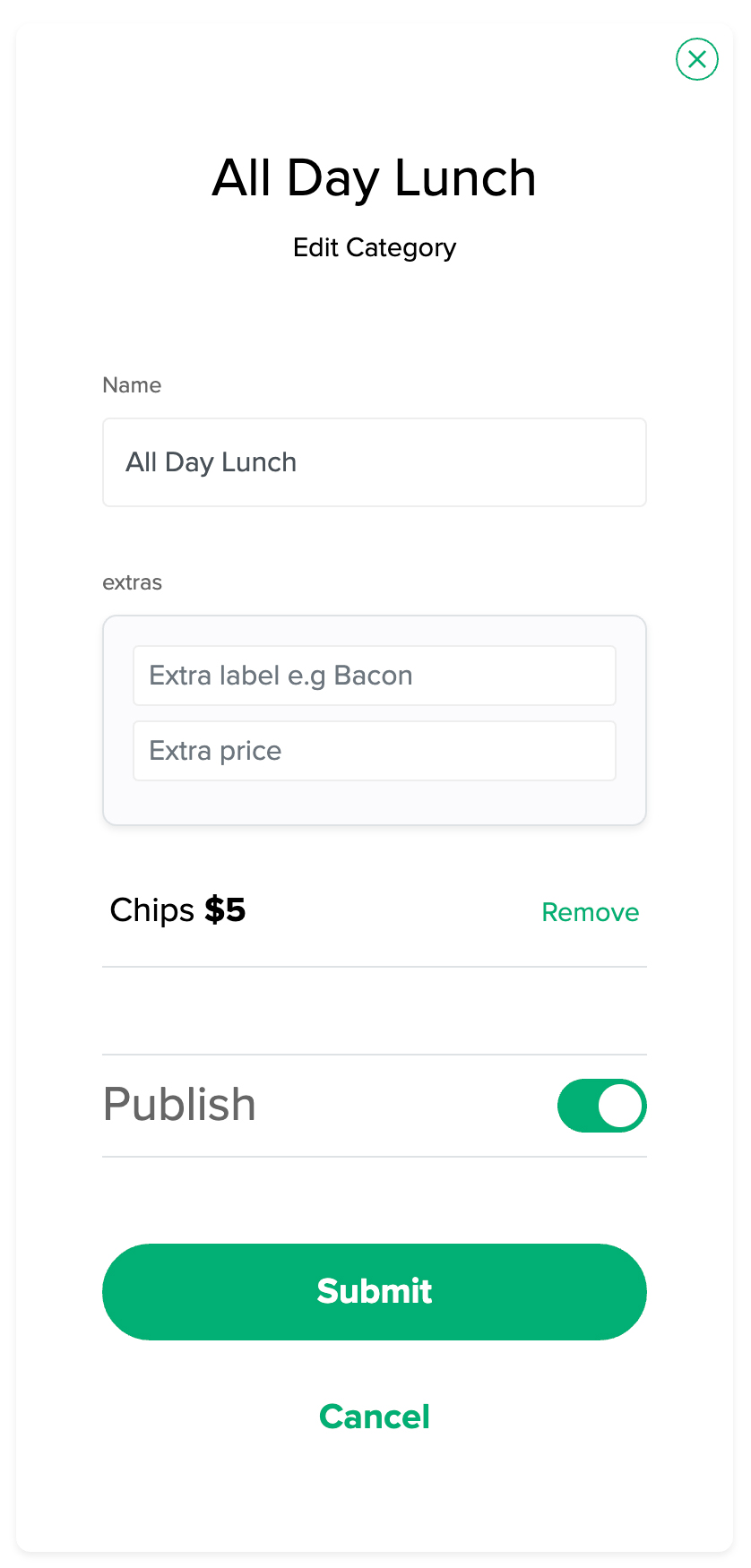
Create categories based on food types (e.g. burgers, sushi) or meal times (breakfast, lunch, dinner). You can schedule categories, add extras like Add Fries +$3, and organize your menu to suit your business.
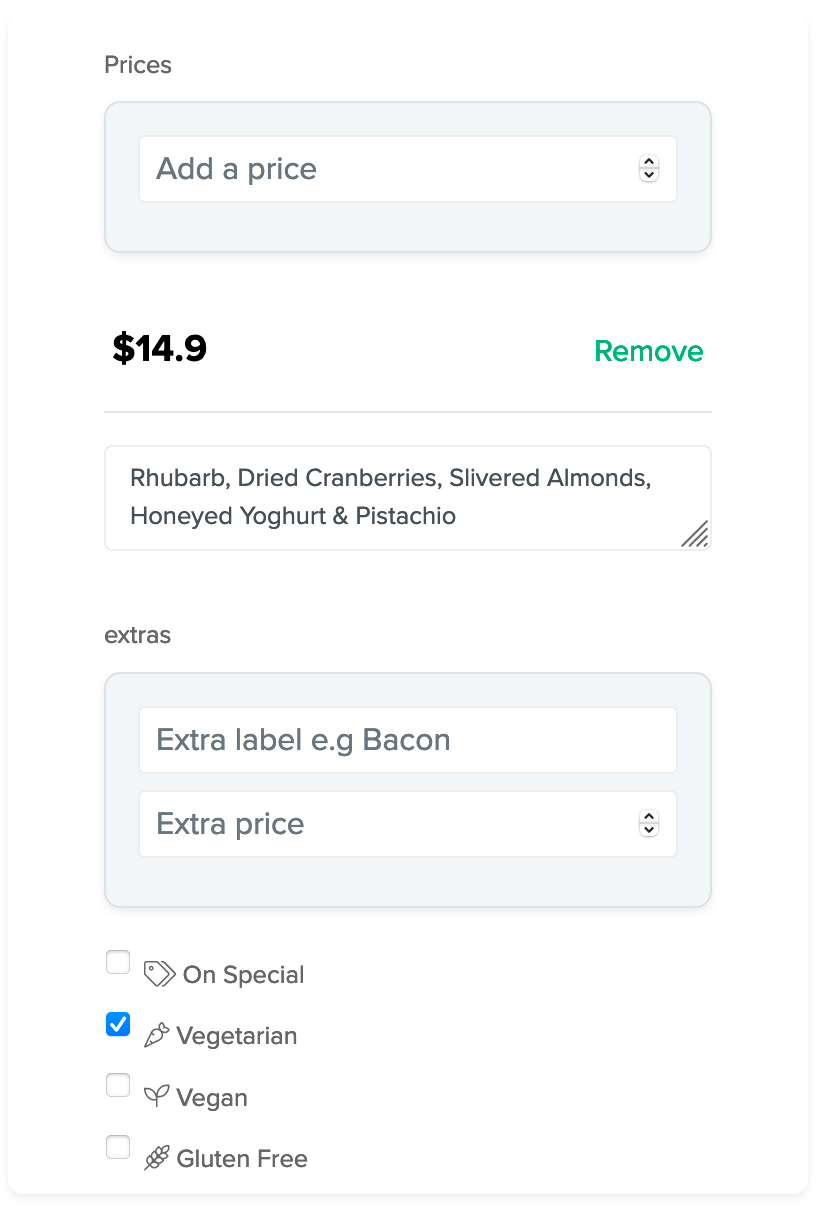
Populate your categories with items, descriptions, prices, images, extras, and dietary filters such as vegan, gluten-free, and takeaway. You can also schedule items to appear at specific times of day.
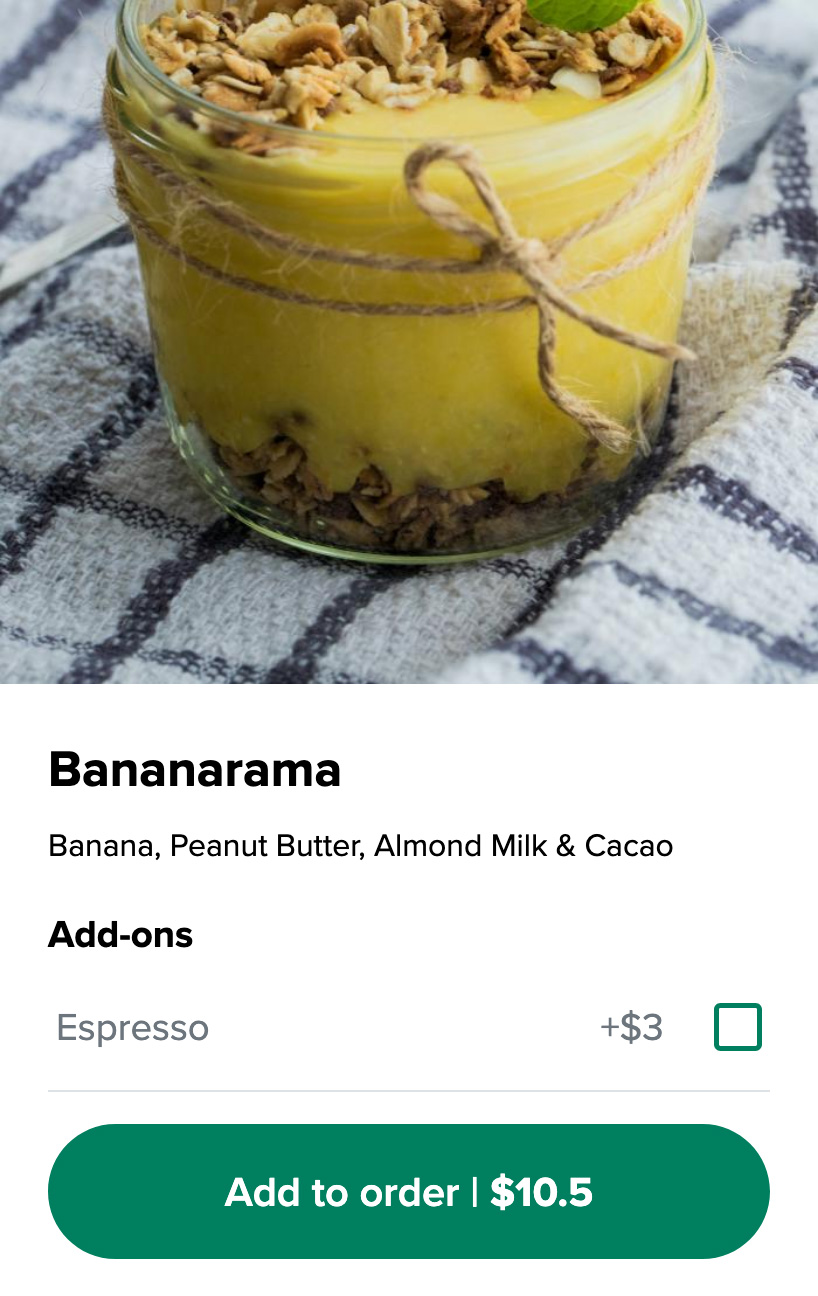
If you want your customers to be able to order and pay from your menu, go to settings > ordering and turn ordering on. We use Stripe for online payments so you will be redirected to Stripe to fill out your business details. Once you have filled out your details and stripe finishes verifying you, we will get a notification automatically from stripe and your menu’s online ordering feature will be switched on.
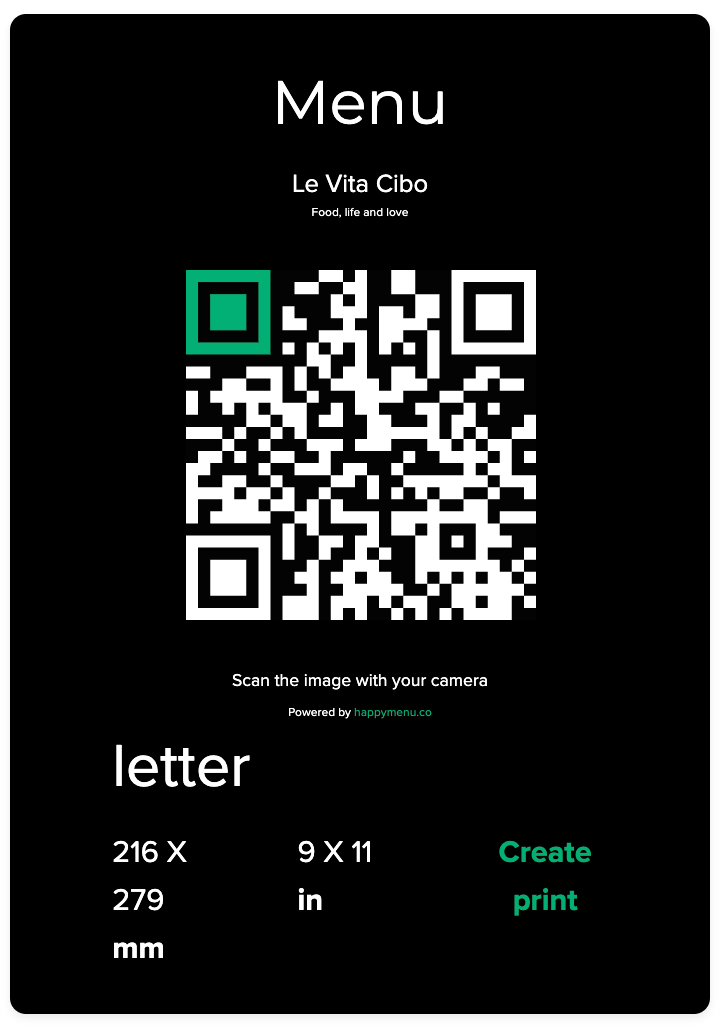
Once your menu is ready, generate your QR code from the dashboard. Select your preferred paper size, click “Create Print,” and download your PDF.
You can print it yourself or use a professional printer. Choose from over 50 paper sizes, or download SVG/PNG files for custom designs.
Place your QR Code menu wherever it makes sense for your business your creativity is the only limit. Common locations include table tents, stickers on tables, windows, outdoor signage, merchandise, and even social media.
Below are some popular ways restaurants display their QR codes:
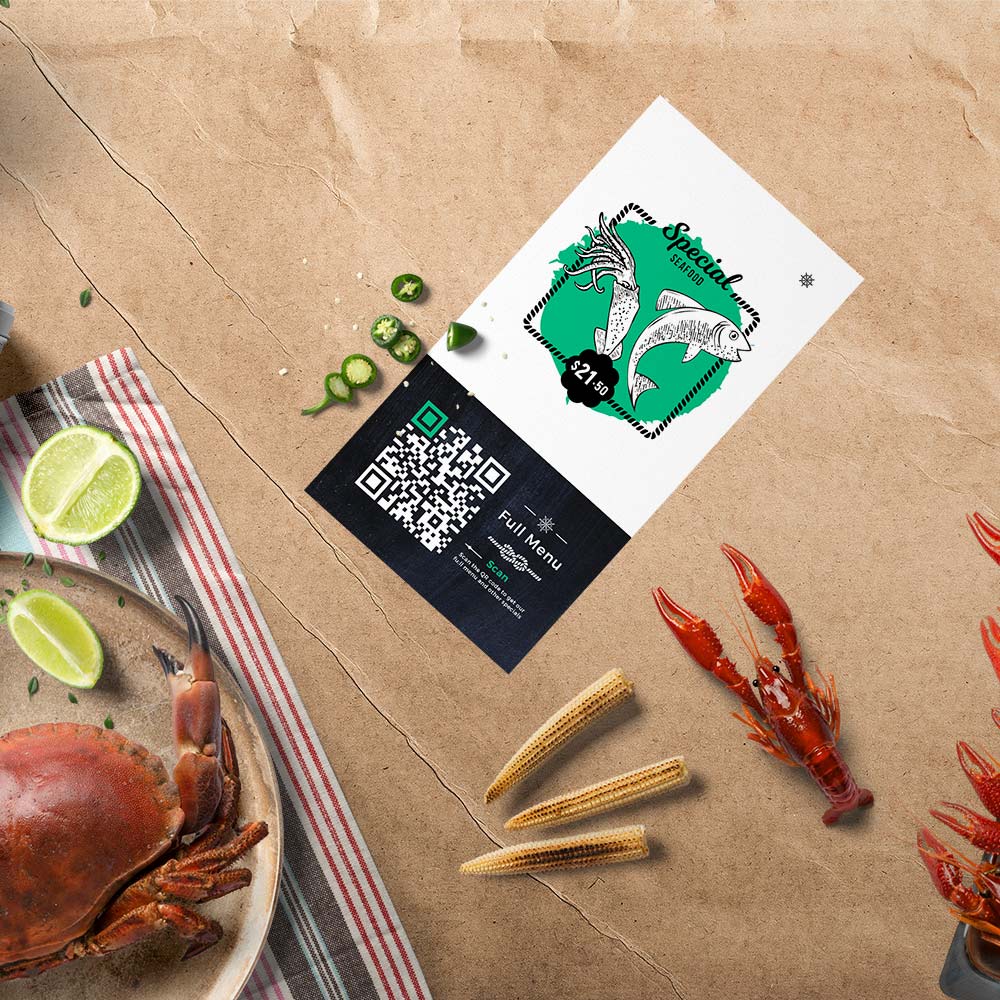
QR Codes on disposable cards
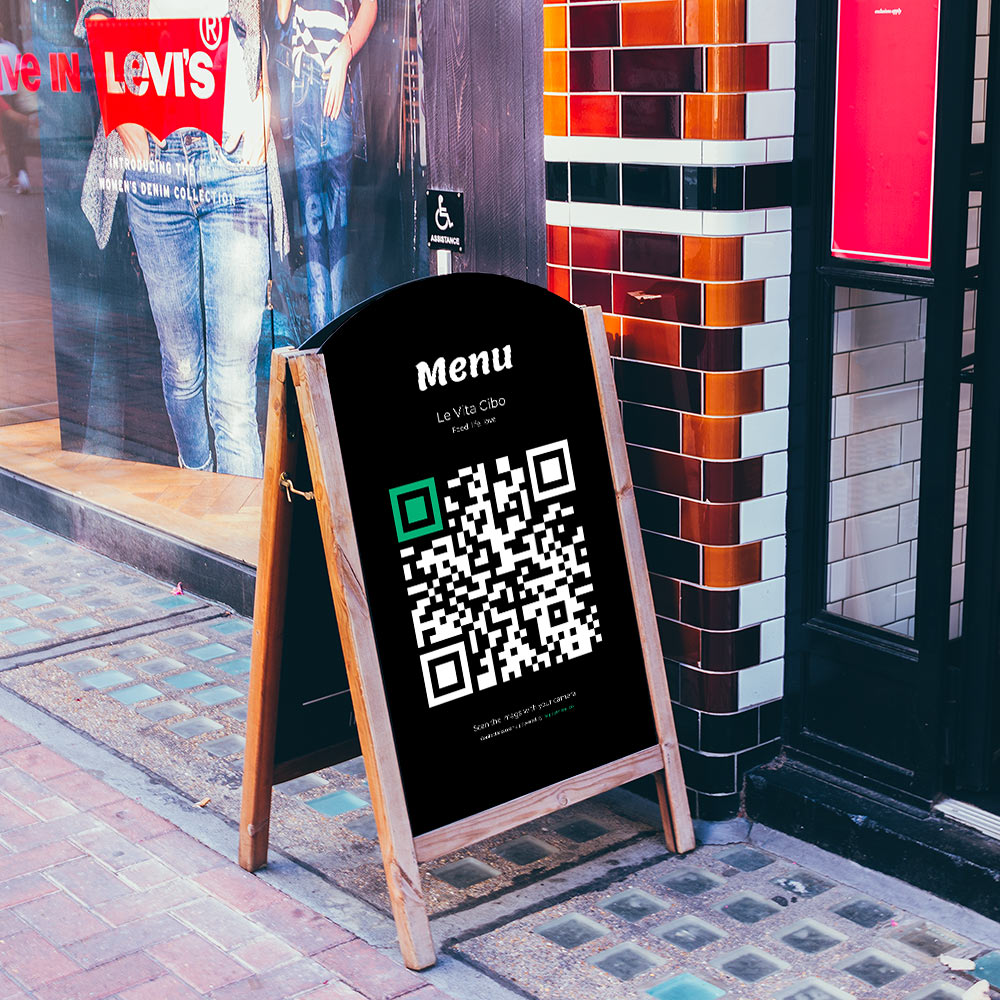
QR Codes on outdoor signage
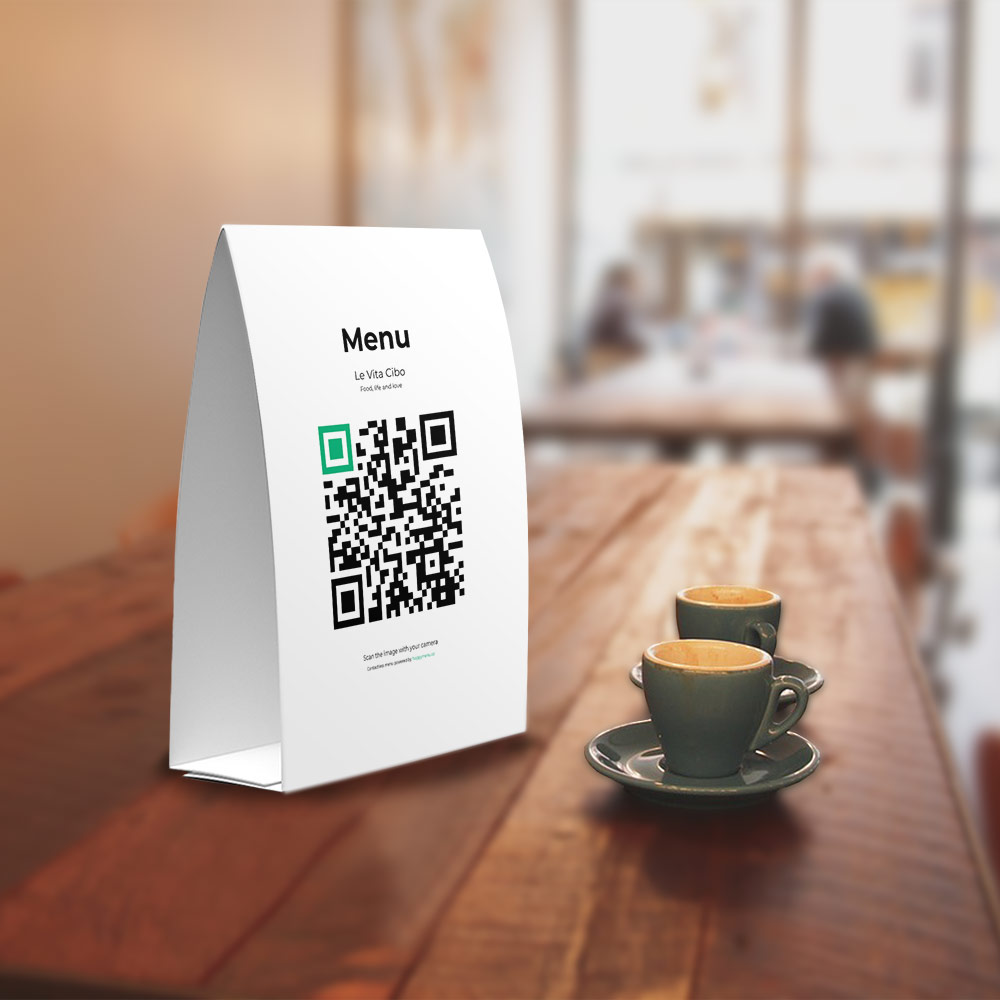
QR Codes on table tents
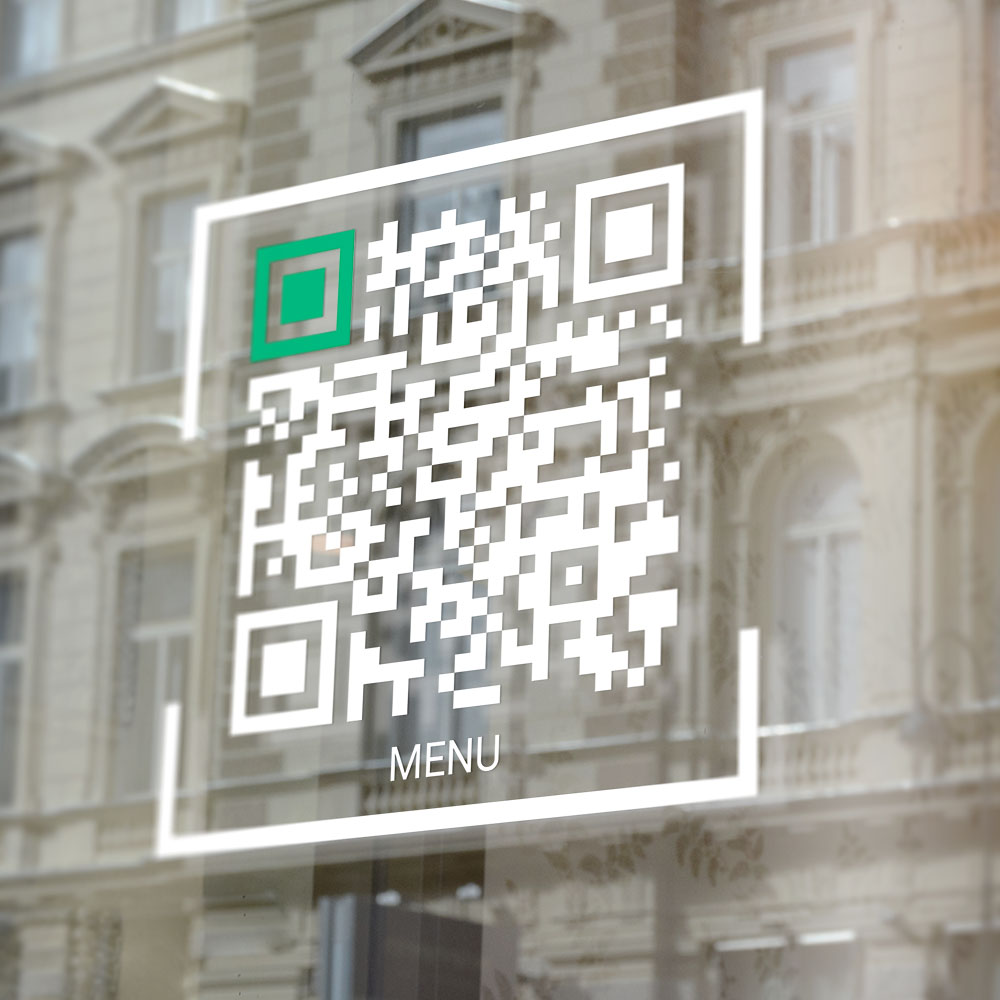
QR Codes on restaurant windows
In the past, customers needed special apps to scan QR codes, which slowed adoption. Today, most smartphones have built-in QR scanners through their camera apps.
Android 8+ and iOS 11+ devices scan QR codes automatically. Even older phones often have QR reader apps installed due to widespread QR use.
Viewing your menu takes less than five seconds. The typical process is:

Scanning and viewing a QR code menu
There are many QR code menu solutions available, but none come close to ours. We are web development and user experience specialists who live and breathe digital menus.
We constantly analyze how customers interact with menus and how restaurants can get better results. Our focus is on building tools that actually work for real food businesses.
We give small restaurants access to powerful technology used by major brands—without the complexity and at a fraction of the cost. Here’s what sets us apart:
From user experience to functionality, here are a few of the reasons our QR code menus are the best in the business.
Start your 14 day risk free trial. Your QR code menu will be activated immediately
If you turn on the menu ordering feature, your customers can pay using all major credit cards and the popular browser payment methods that make checkout easy and super fast.


Own your customer data, it’s worth more than gold! Your QR menu helps you get your customers details and the reward programs you can run help you make sure they keep coming back.
Studies have found that customers spend an amazing 20% more when they order via their phones.
Sell your food from your online menu directly to your customers commission-free! Save on labour costs and let the staff you have focus on more important things.
Turn on loyalty points and digital punch cards to keep your customers coming back.
Adjust prices on the fly without wasting ink and paper, let customers feel comfortable exploring your menu and order what they want without waiting.
Start your 14 day risk free trial. Your QR code menu will be activated immediately
Our mission is to help independent food businesses by providing them with cost effective tools that help them save money by improving efficiency, and increase revenue by encouraging customers to come back and spend more when they do.
$49.00 a month is all you pay for your QR code menu. Your online menu comes with no contracts and you can cancel anytime in less than a minute. For the cost of 1 meal a month, it’s a no-brainer!
Get your online menuJust a few of the reasons why your customers will appreciate your QR code menu.
Get your QR Code menu now. Pay nothing. Your QR code menu will be activated immediately
We empower small local food businesses by letting them focus on the quality of their meals and customer experience. Our customers trust us to take care of their online presence and give them the tools they need to succeed in an ever-changing digital landscape.







QR code menus are becoming the default menu for many new restaurants because they are they are clean and easy to use.
Your customers use their phones to scan one of the QR codes we have provided you with. Most restaurants place their QR codes on tables, but they can be placed anywhere.
Customers browse the menu and find the items they want to order. If you have menu ordering turned on, they can add the items to their basket.
When the customer is ready, they can proceed to the checkout page and pay. The order appears on your orders screen in your dashboard.
Don’t waste money on a website. People visit restaurant websites to see the menu, opening hours and location details. Your QR code menu has all those covered so you don’t need a separate website. Here is what is included for free.
Start your free contactless QR menu trial, instant activation, pay nothing, cancel anytime
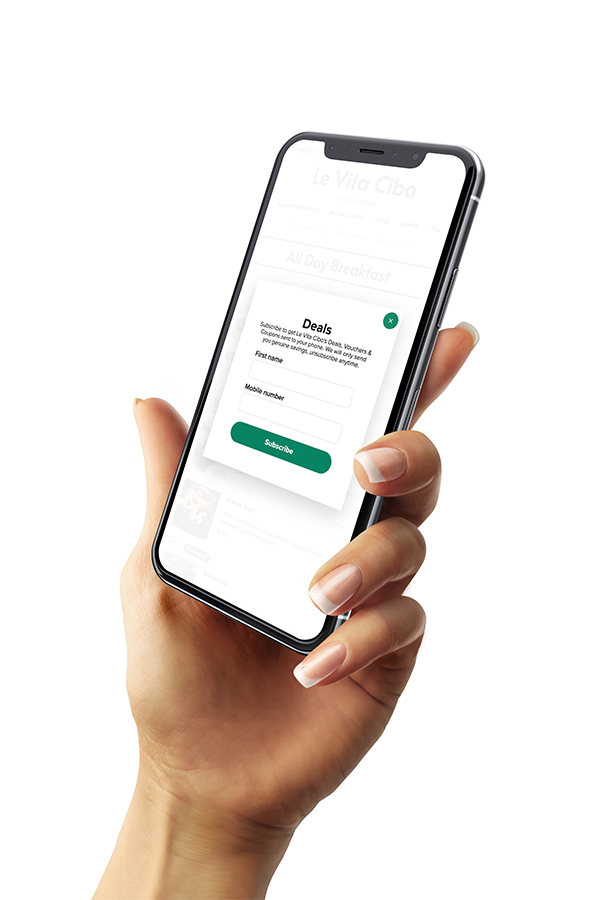
When your customers leave, you have no way of staying in touch with them. We help you get their details so you can build an ongoing relationship. Here is why SMS marketing is an important part of your customer retention strategy
Customer experience and satisfaction is one of the keys to customer retention. Turn on your QR menu’s customer feedback feature and let your customers tell you what you are doing well, and what you can improve. Only customers that have ordered can leave feedback, so you can be sure the feedback your receive is from legitimate customers.
QR Code is short for Quick Response Code. A QR code (sometimes referred to as a 2D barcode) is similar to the barcodes you find on the products that you scan at checkout at your local supermarket. The biggest difference, besides how it looks, is that QR codes can store more information. Barcodes store basic product information like type, weight, and color. QR codes can store the same information as barcodes, and more. They can contain text, website links, geographic coordinates, and even images. QR codes, can be scanned by anyone using a phone.
A QR restaurant menu is a website that contains a menu for a restaurant. It is an online menu that can be accessed just like any other website. The QR part of it comes from the fact that people usually access it by scanning a QR code at the restaurant they are eating at. QR codes add convenience; instead of typing the website address of the menu, you just scan the code with your phone camera, and the menu opens up automatically.
Just a few reasons your restaurant needs a QR menu are: hygiene, saving on printing costs, instant updates, customer experience, customer feedback, promotions, increased sales, increased table turnover, saving on staffing costs, customer data for marketing, and so on. If your restaurant does not have a QR code menu, you are leaving a lot on the table.
Creating a QR code menu is easy and just takes a few minutes.
We know our customers are small, independent businesses, so we try to keep our monthly fee as low as possible. We charge a very cost-effective $49 a month for QR restaurant menus. If you choose to turn on ordering, credit card processing fees and application fees are applied to orders. We use Stripe for processing payments. We chose Stripe because they give us the tools to build cutting-edge applications, and their pricing for credit card processing is competitive for our customer base. Compare their pricing to what your POS provider charges for online payments. Please refer to their fees here.
We have created a qr code menu example. Click here to see it and play around with it. Sign up for a free trial if you would like to create your own QR menu and customize it the way you want.
QR code menus are online menus that are accessed when a QR code is scanned. Customers use their mobile phone to scan a QR code that is usually located on a restaurant table. When the QR code is scanned, the restaurant’s online menu appears on the customers phone.
QR code menu’s are easy to scan and only take a couple of seconds to open.
There are two types of PDF menus available. There is a PDF QR code menu, which is offered by some of our competitors, and an interactive QR code menu, which is what we offer. Both kinds of menus are accessed by scanning a QR code, but PDF QR code menus just show a PDF of a menu, and interactive QR code menus (the type Happy Menu provides) show an interactive menu website with all the advantages and benefits of an online menu. PDF QR code menus cannot be edited, have no interaction, no navigation, no filtering, etc. PDF QR code restaurant menus do not take advantage of most of the benefits that having an online menu provides.
No, you do not have to use the table-ordering feature. Some restaurants choose to use our QR menu for browsing only; their staff still come to the tables, take the orders, and run them through their POS system. If you do not wish to use table ordering, do not turn the feature on.
Happy Menu is the number one restaurant QR code menu generator. Sign up for a free trial and you will be able to see why we are the best QR menu generator out there.
According to a 2022 Deloitte Study, consumers spend an around 20% more when they order via QR code menus or online menus.
Happy Menu QR code menu’s are 100% web based. All your customers need is a phone, no special software to access your Qr code menu.
Yes, your QR menu is a website with it’s own web address. You can link to it from your website, facebook, linktree etc.
Restaurant menu system for small restaurants bars and cafes
Per month
Free 14 day trial