
Order management
Manage QR code menu dine-in and takeout orders.
To manage your orders click on orders in the main menu.
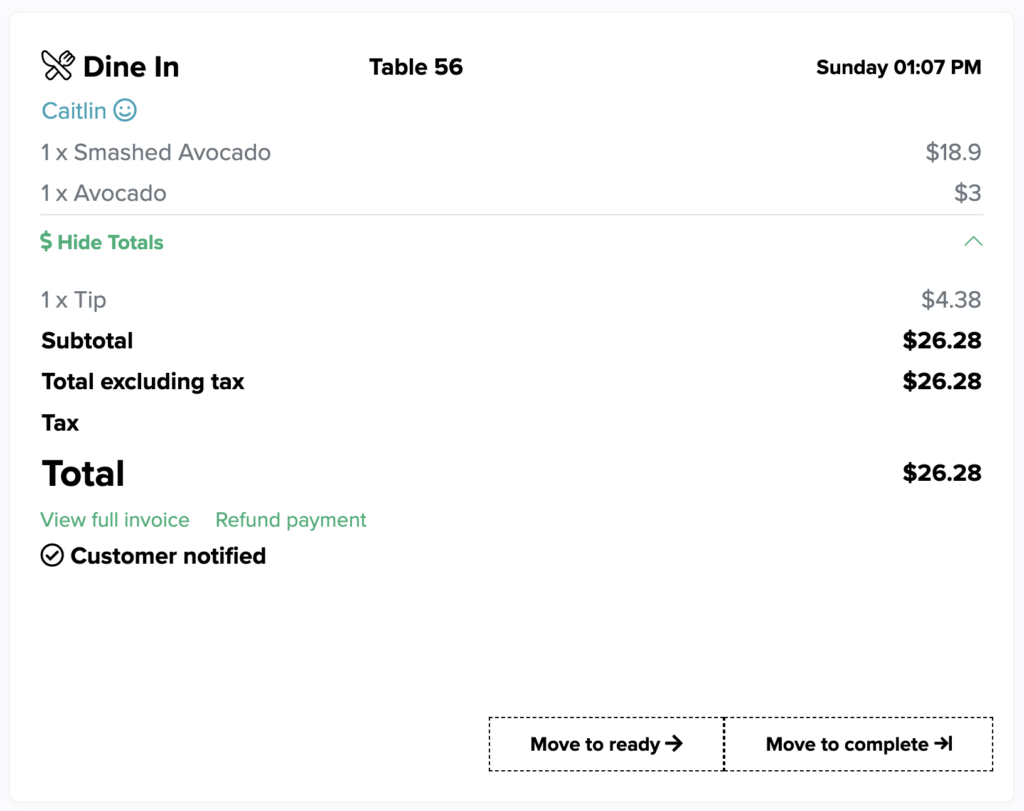
View invoice
Takes you to stripe to view the full invoice
Refund payment
Takes you to stripe to refund the payment
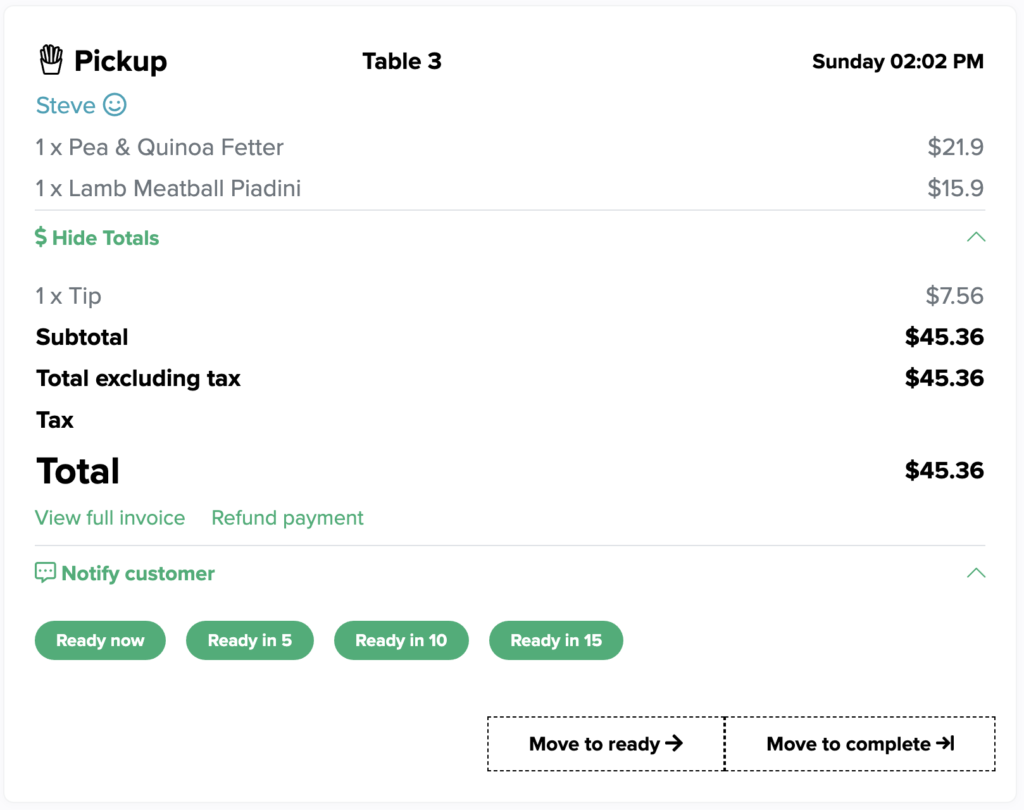
Notify customer
The customer is notified when you receive their order, you can also send them a message telling them to pick up their order at the counter when it is ready if the order is a dine-in order, or let them know their order will be ready “now”, “in 5 minutes”, “in 10 minutes” or “in 15 minutes” if the order is a pickup order.
Move to ready
Move the order to the list of ready orders.
Move to complete
Move the order to the list of complete orders.